Urban Design Visualizations
A Peek Inside My Process
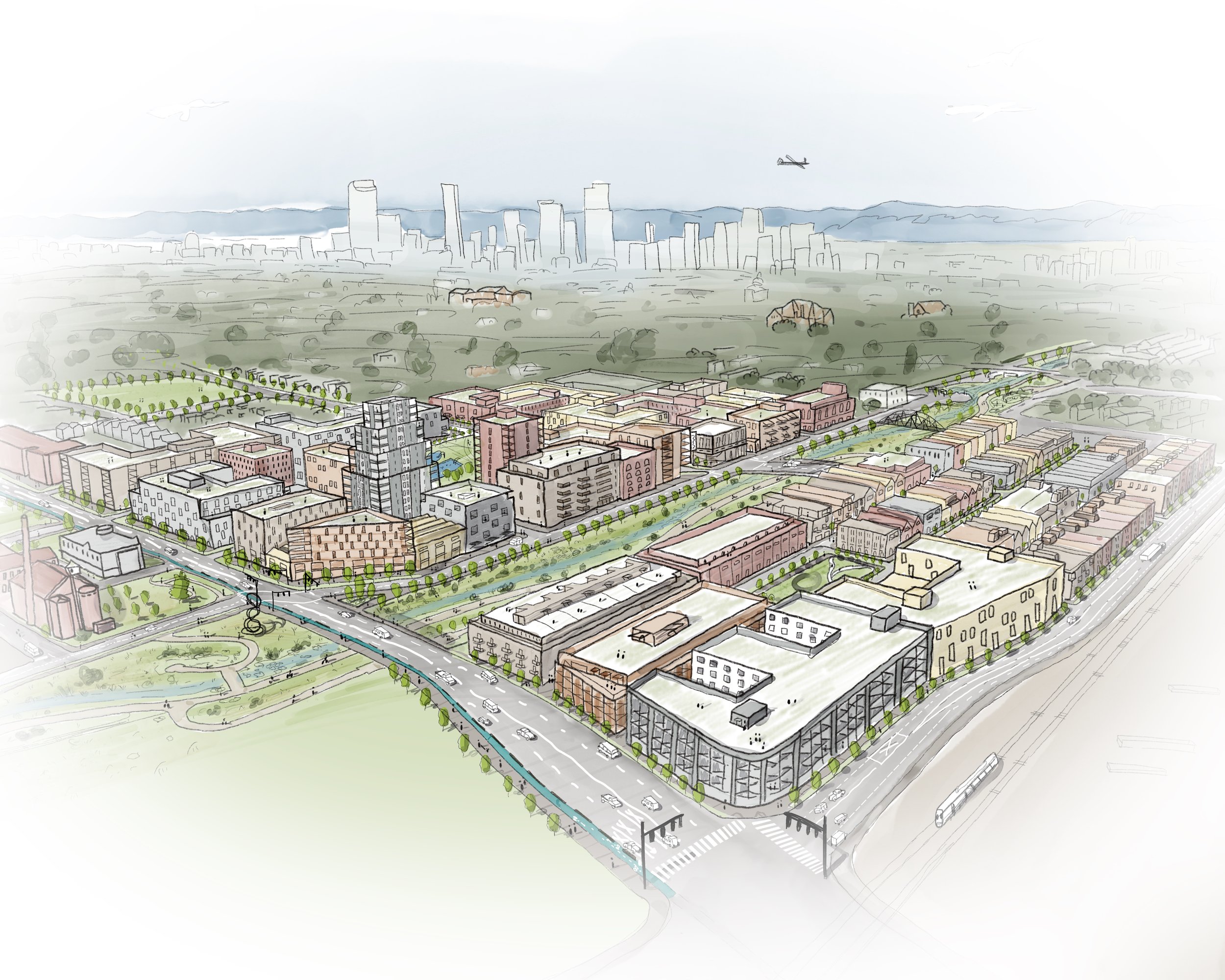
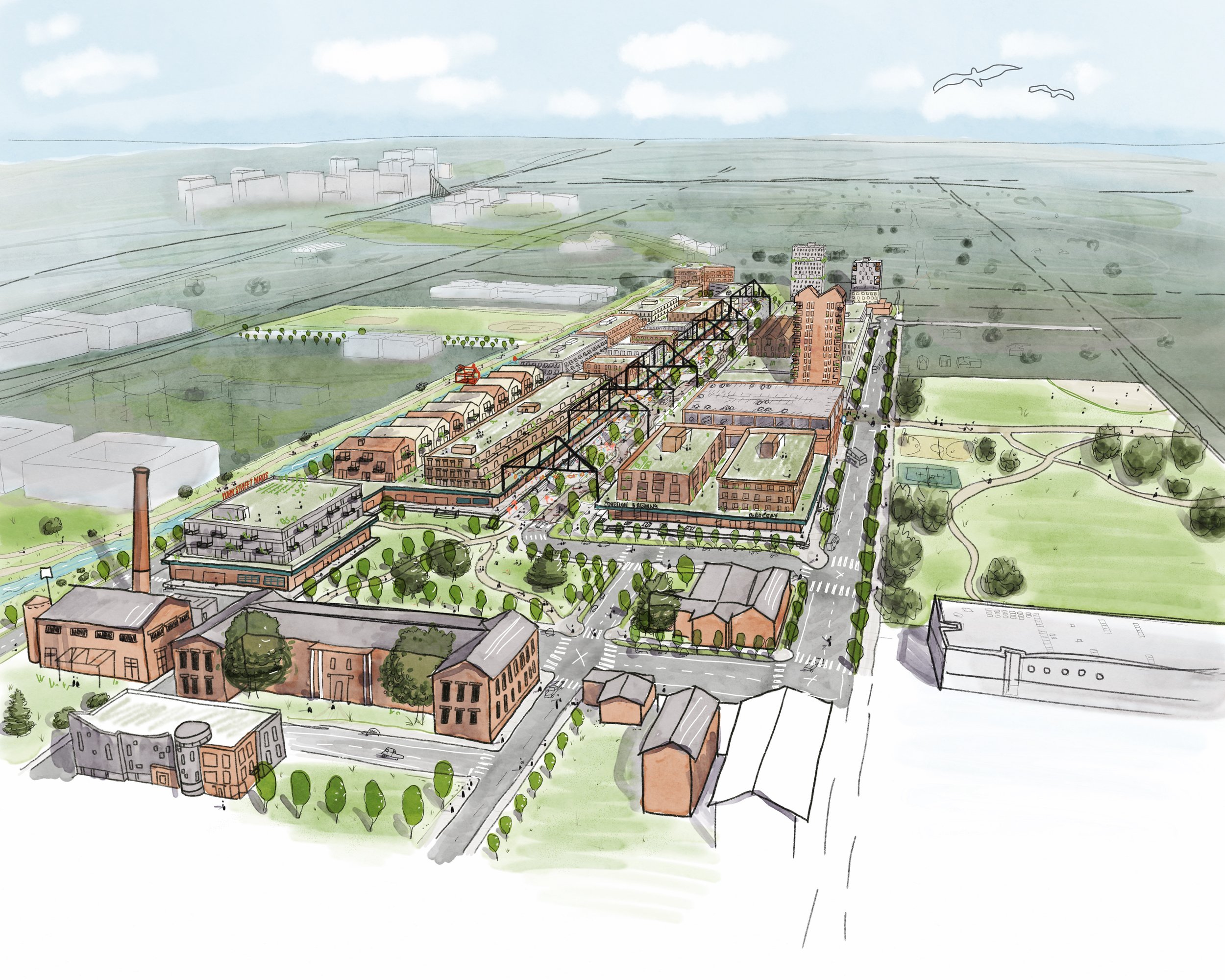
Working with the available resources — Google Earth and Street View, 2D site plans, 3D massing, and photos — I piece together the existing assets to create a desired perspective view. Then, “tracing” over digitally on my iPad, the details fall into place. Finally, working within the chosen color palette, watercolor is digitally painted to bring a place to life visually.
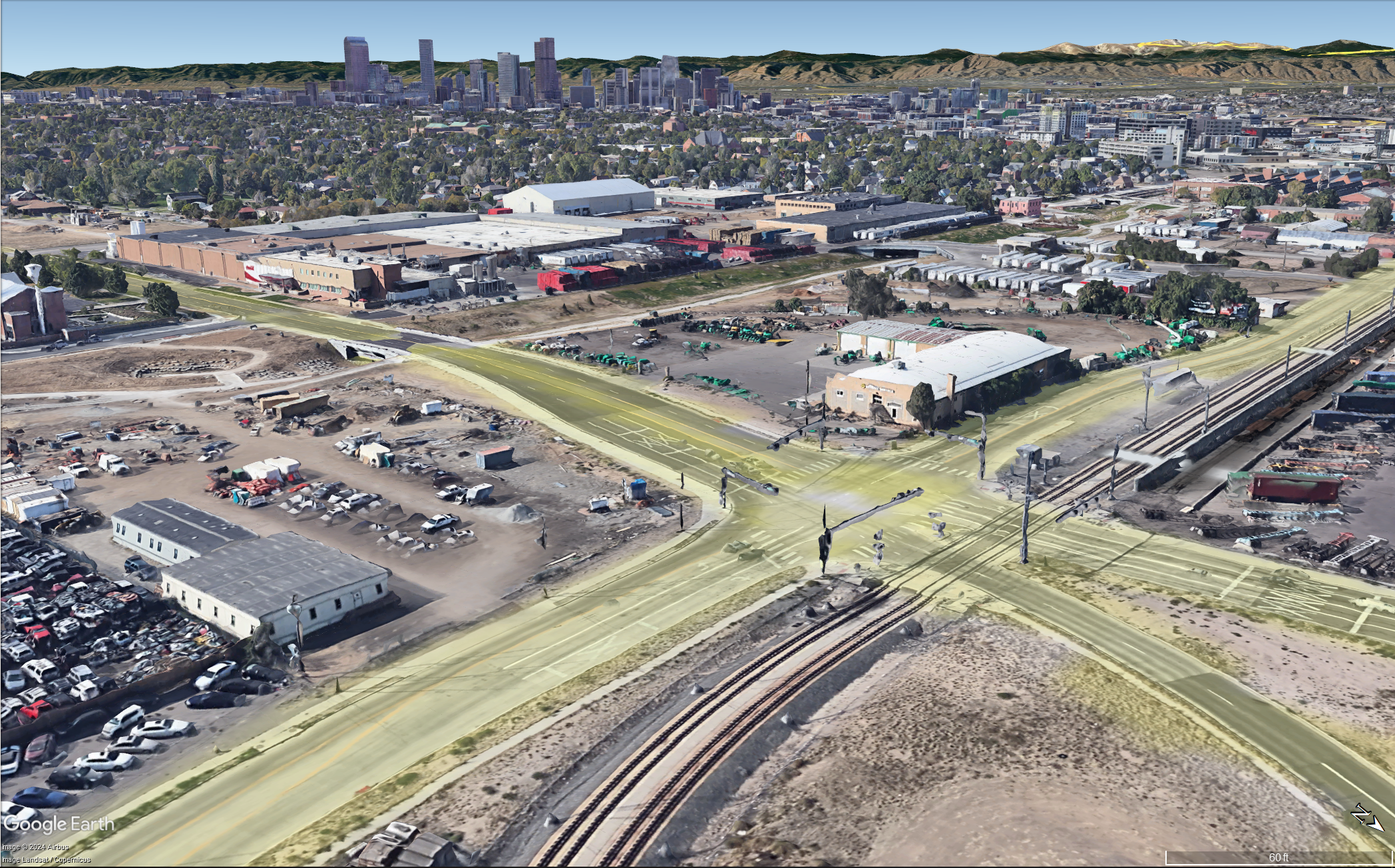
Google Earth

SketchUp 3D Massing
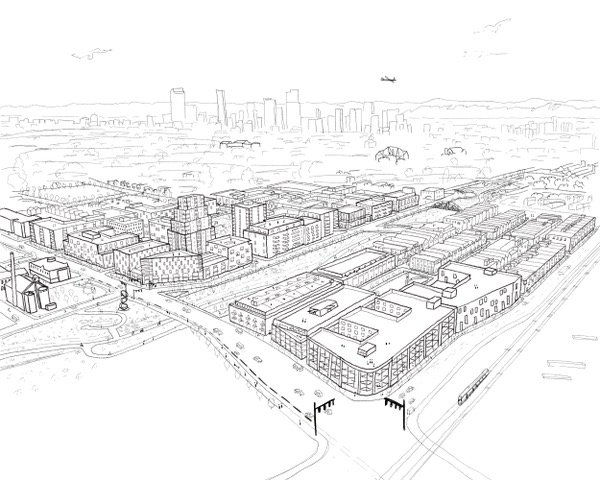
Pencil Line Work
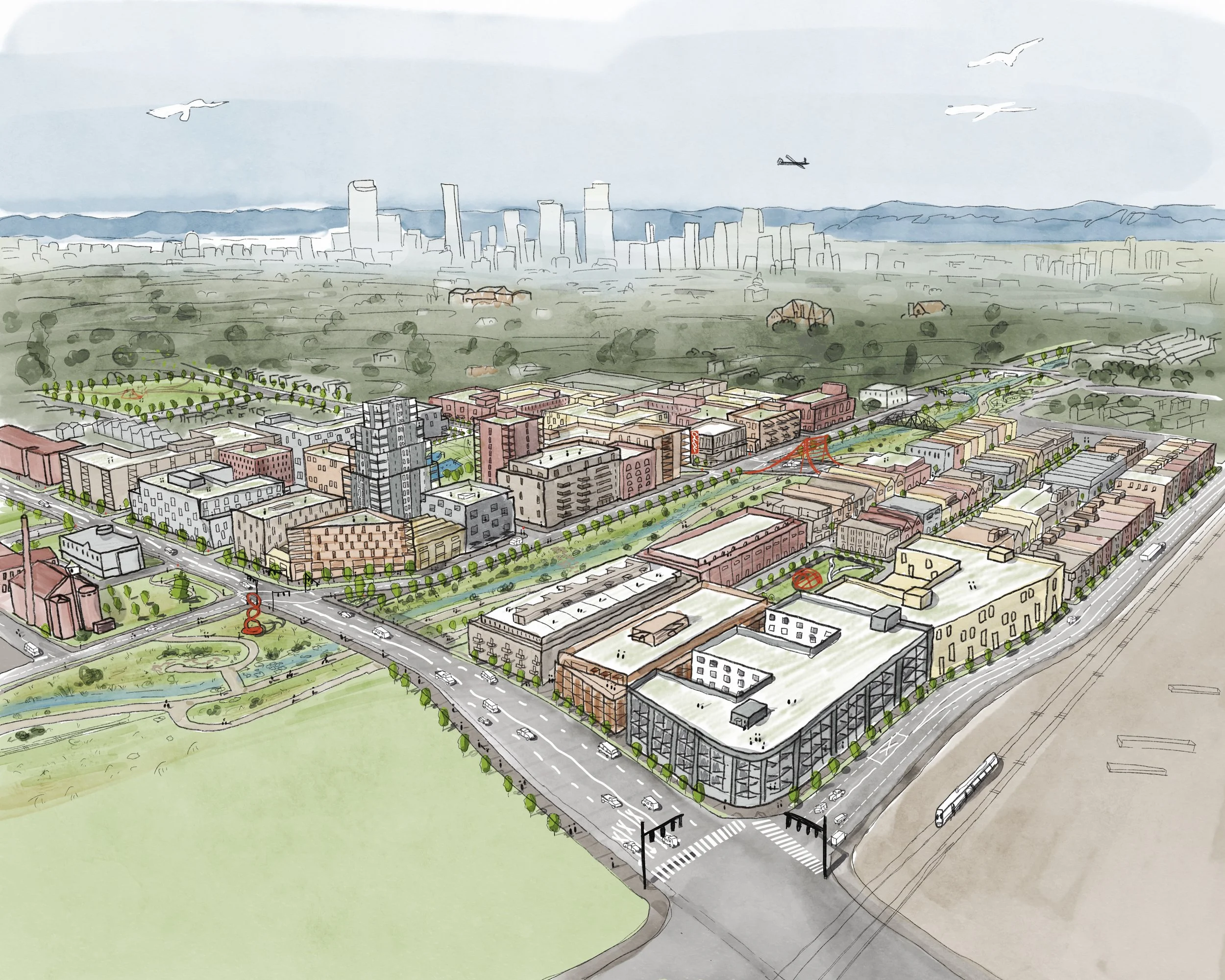
Watercolor Painting
Featured Project
Working with a diverse range of clients — from small city planning departments and non-profit advocates to private developers — the common thread is a dedication to artistry and human‑scaled visuals.
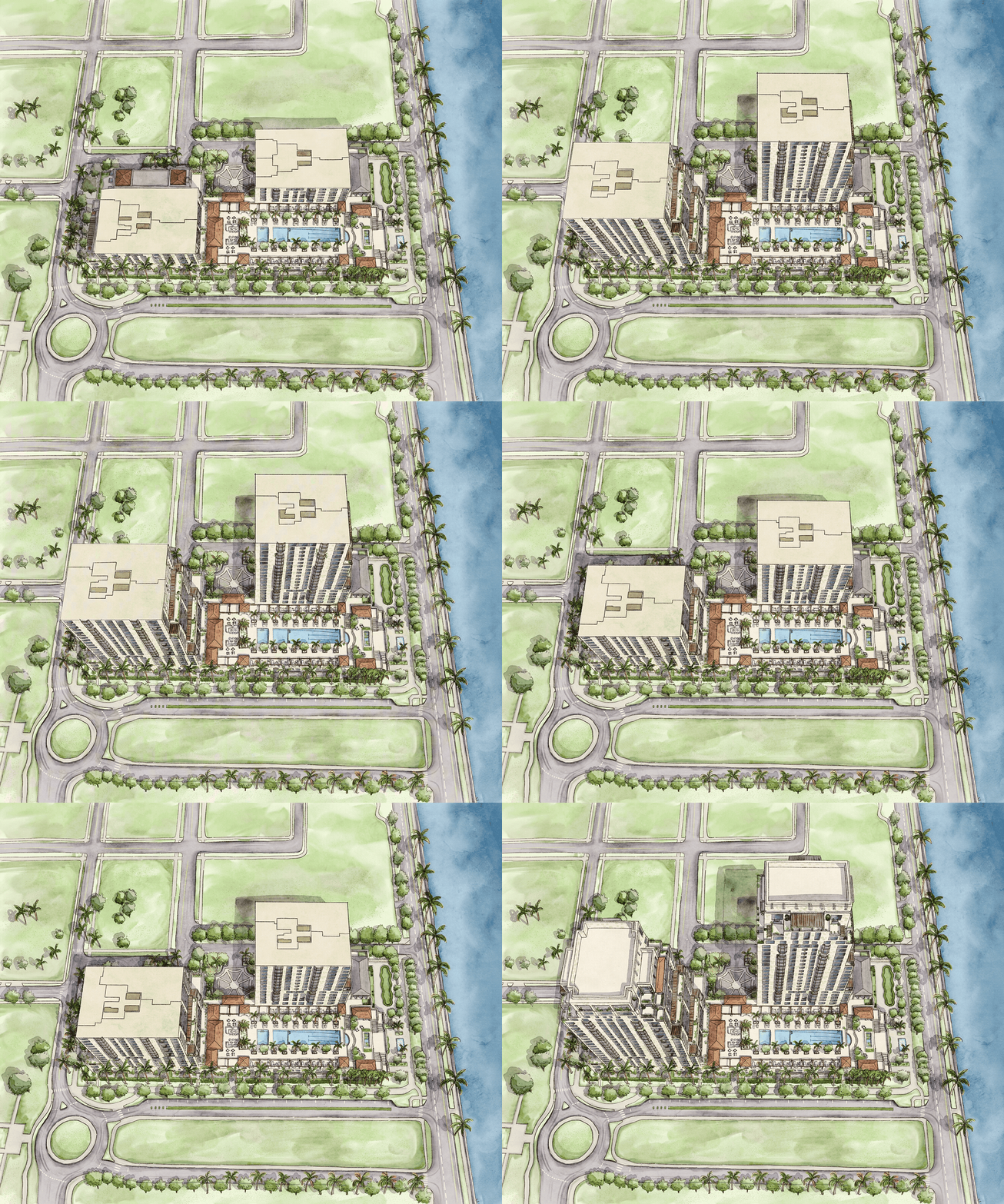
Project
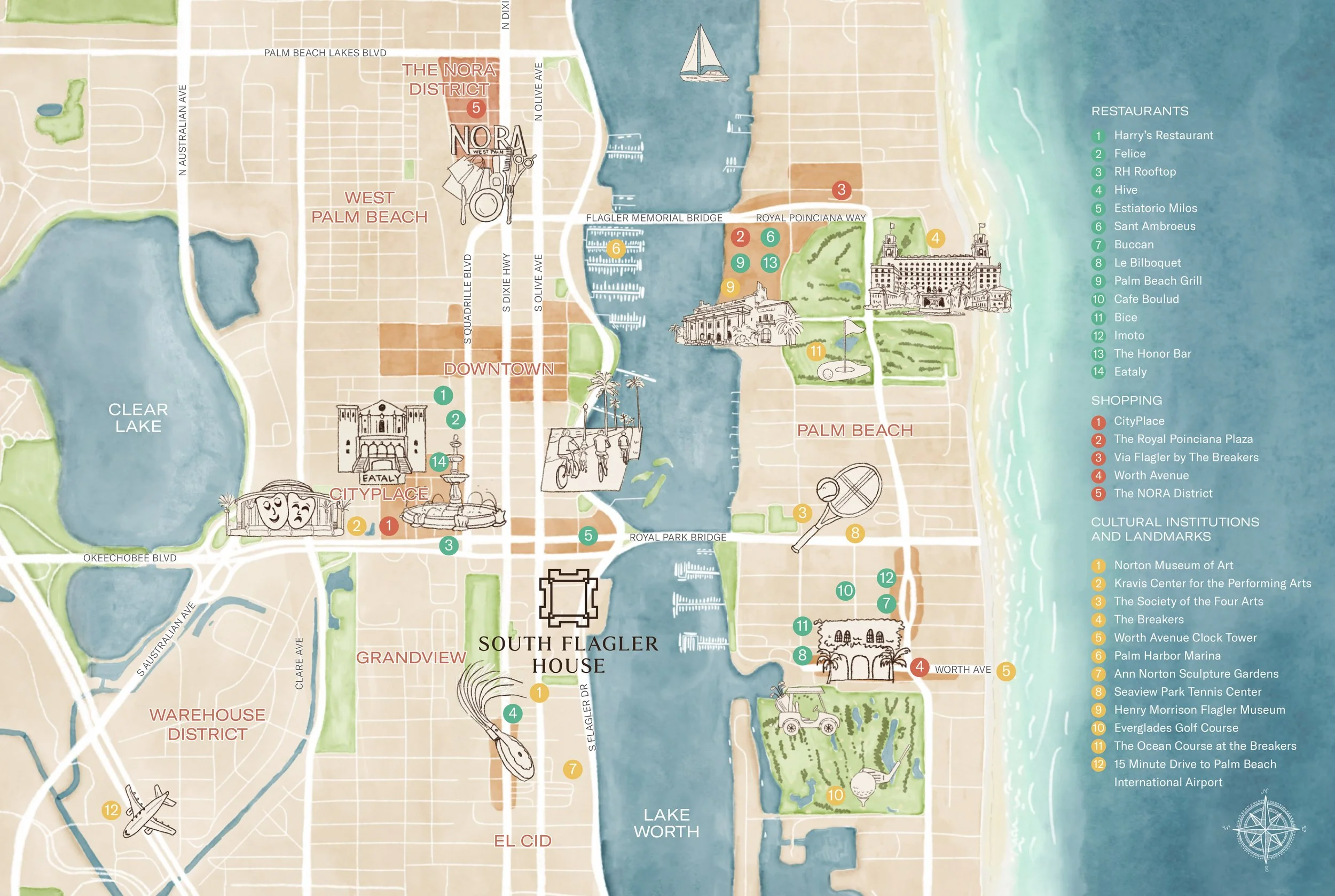
South Flagler House
Type
Marketing - Site Plan, Illustrated Map
Types of Renders
-
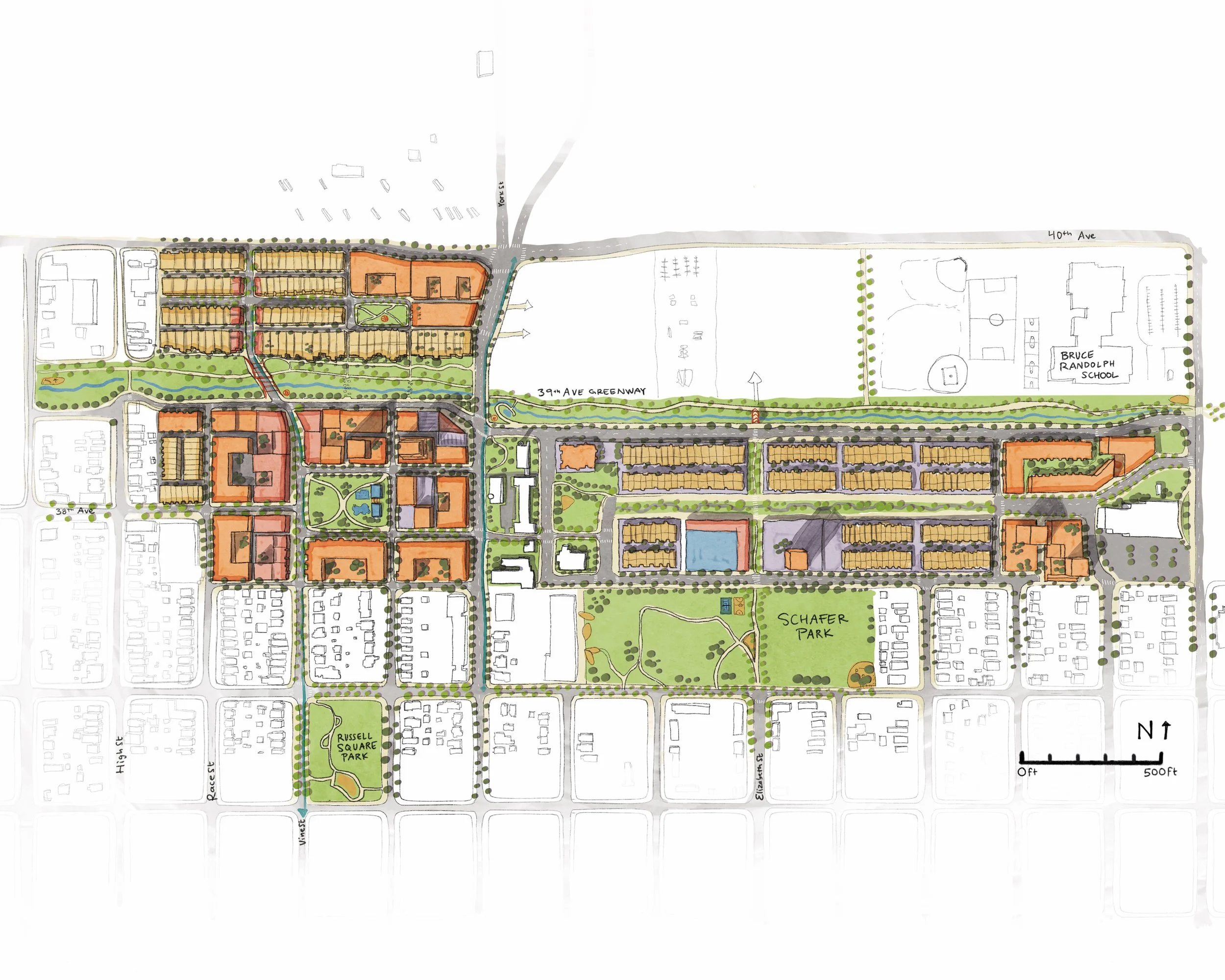
![A detailed color-coded map of a residential neighborhood with parks, schools, and streets, including Schafer Park and Russell Square Park, along with a school labeled Bruce Randolph School.]()
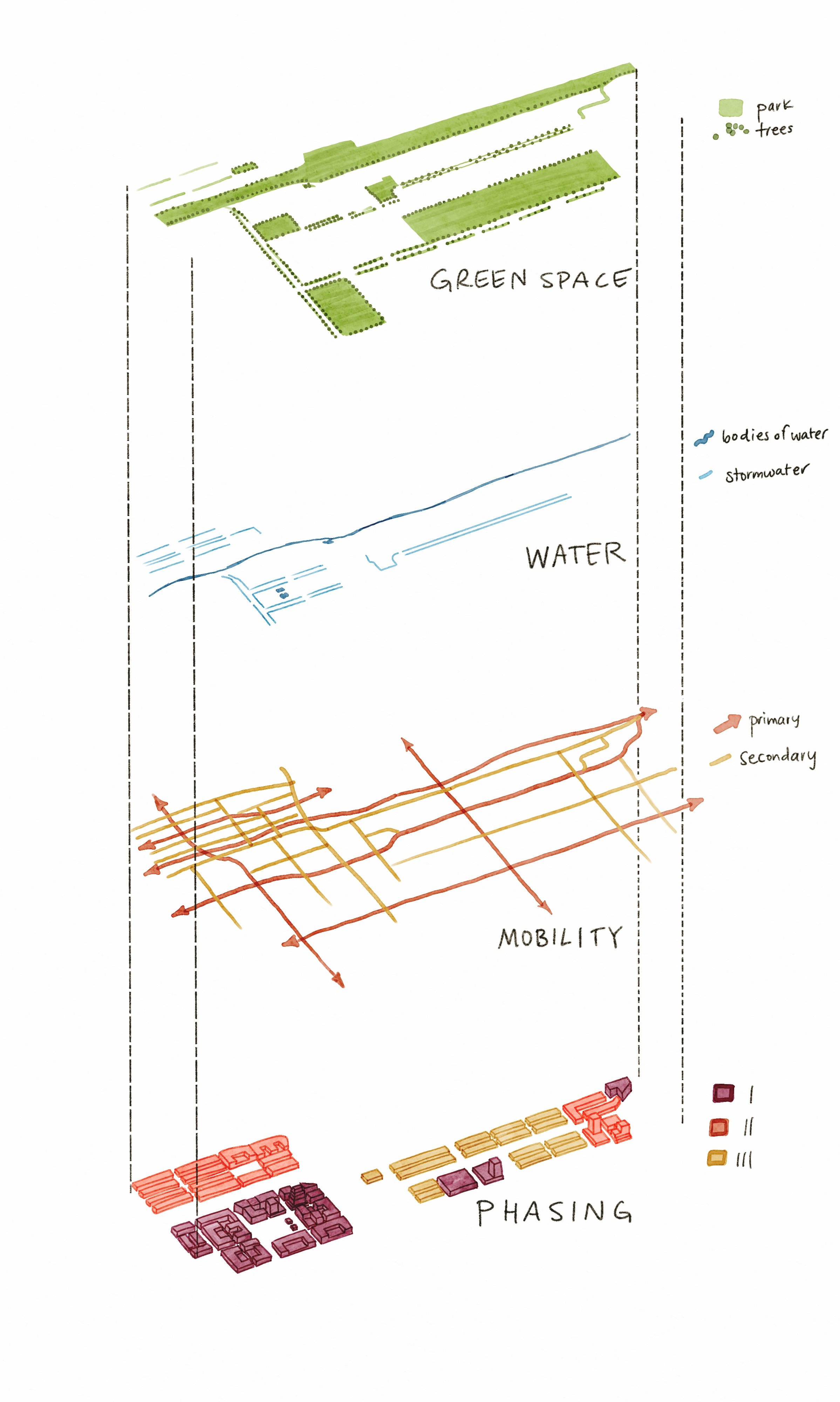
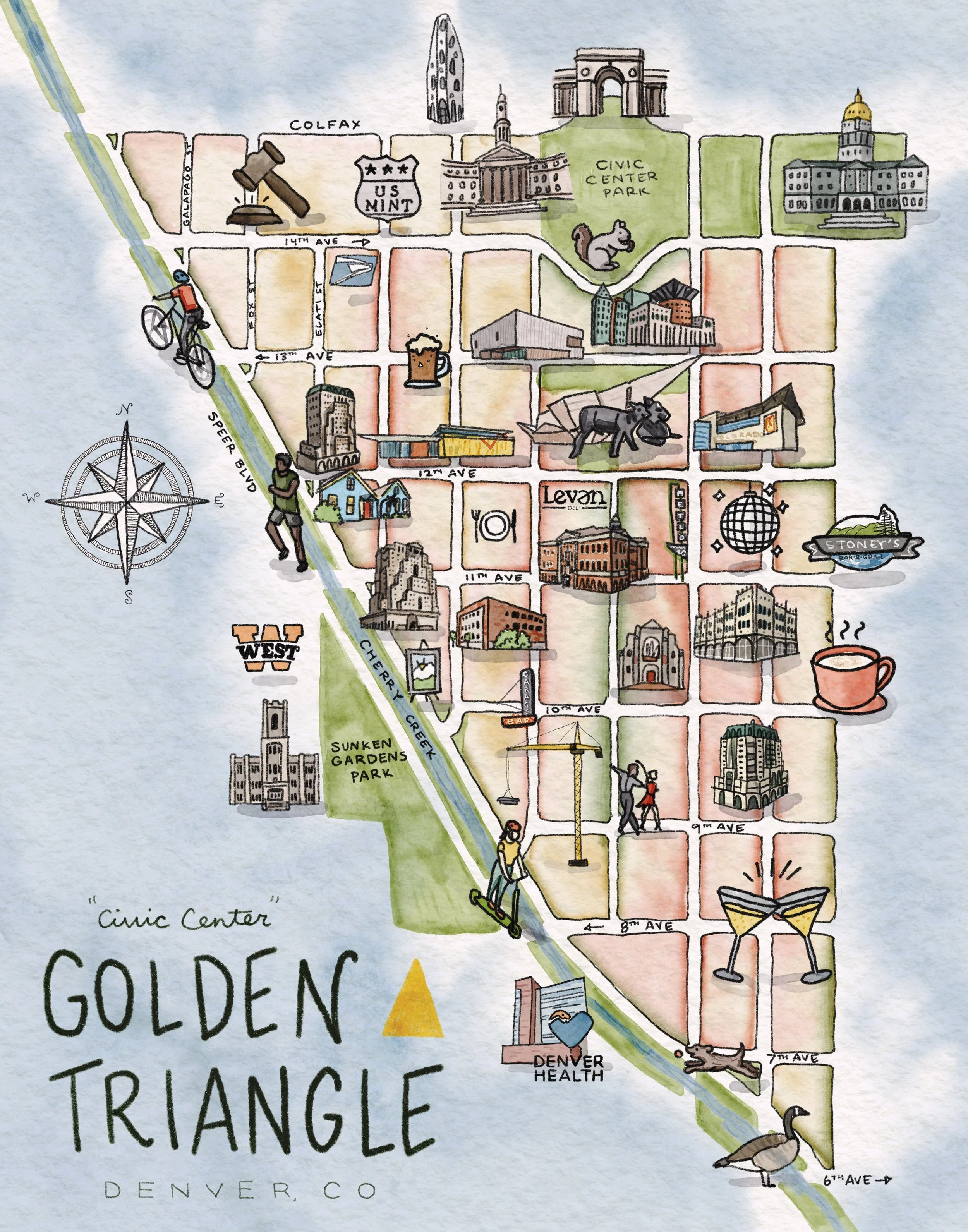
2D (Site Plan)
Helpful for placing the site in context and categorizing land uses, explaining streets and blocks, and the arrangement of parts
-
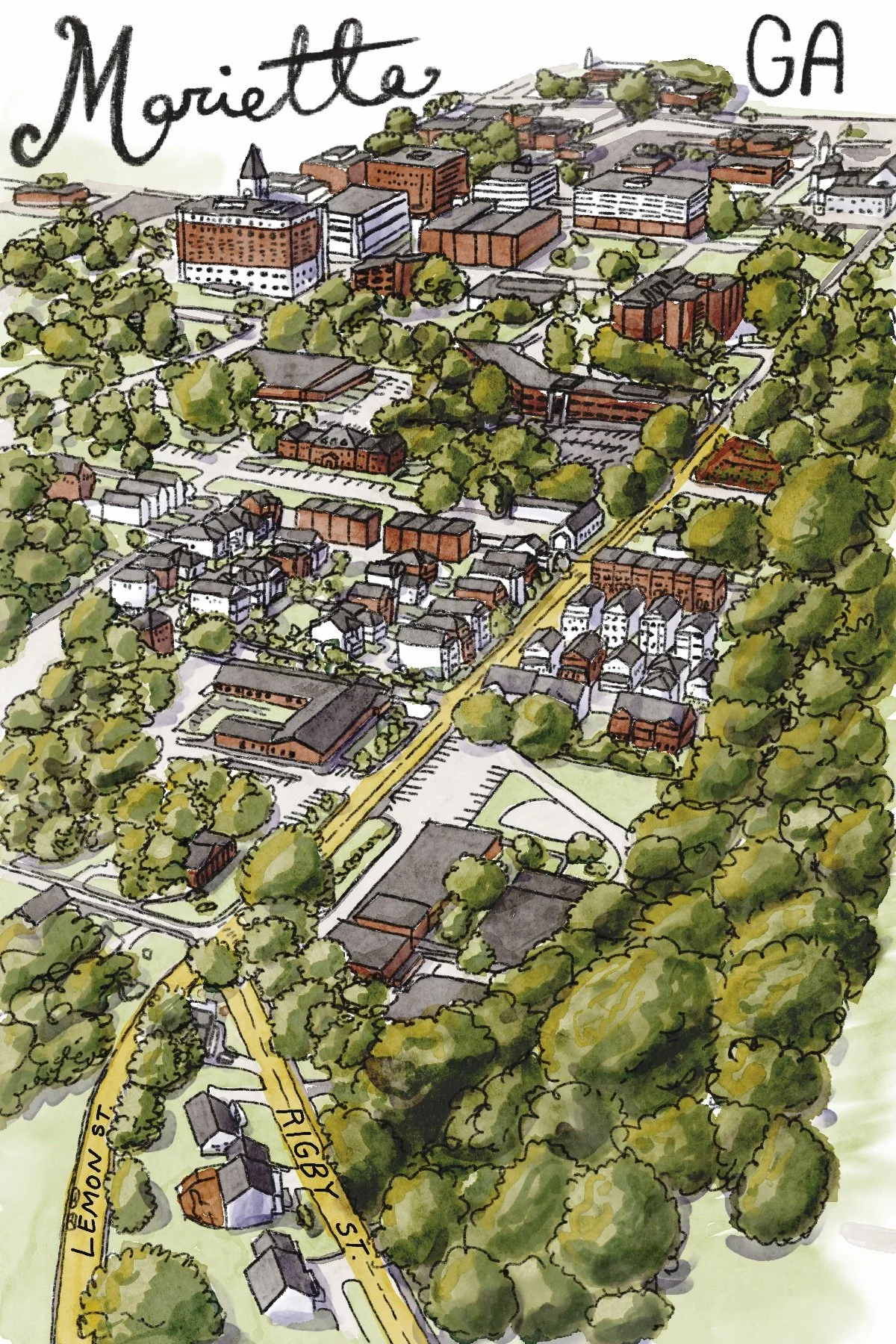
![A colorful illustrated map of Marietta, Georgia, showing buildings, streets, and parks with lush green trees and neighborhood details.]()
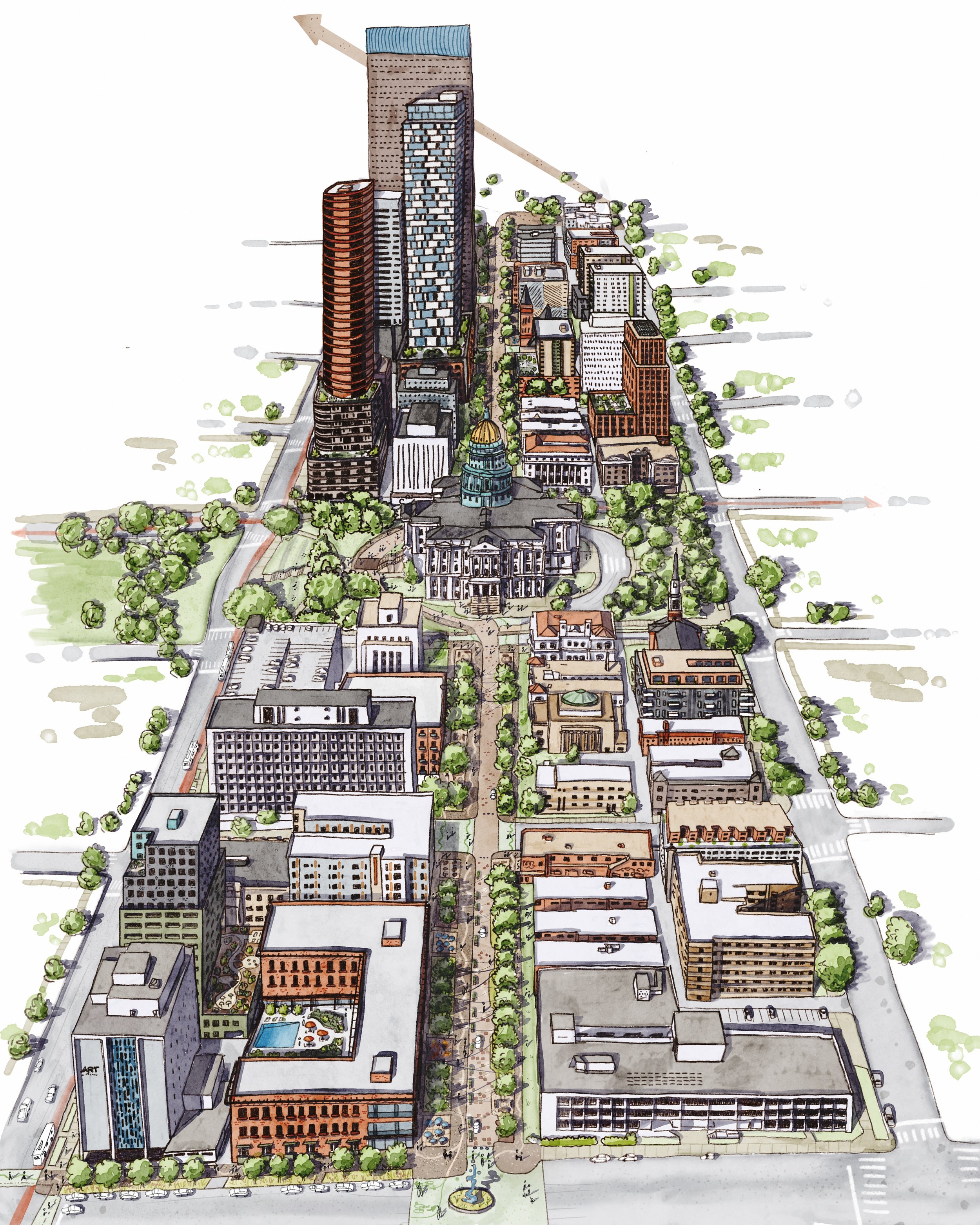
Birds-Eye (Aerial)
Bringing three-dimensional perspective into a larger context
-
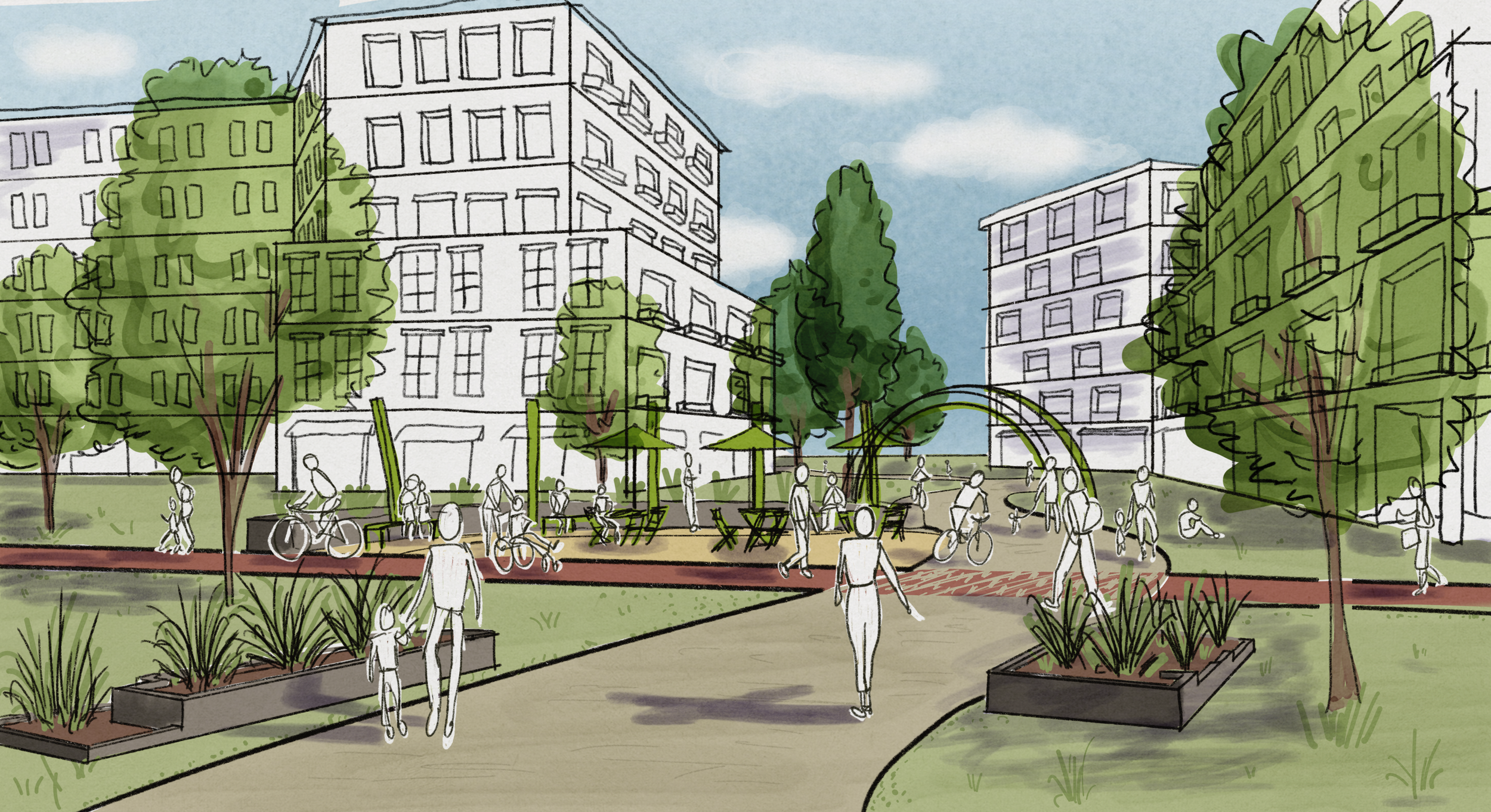
![Hand-drawn illustration of an urban park with trees, benches, walking paths, and people walking, biking, and relaxing among tall apartment buildings.]()
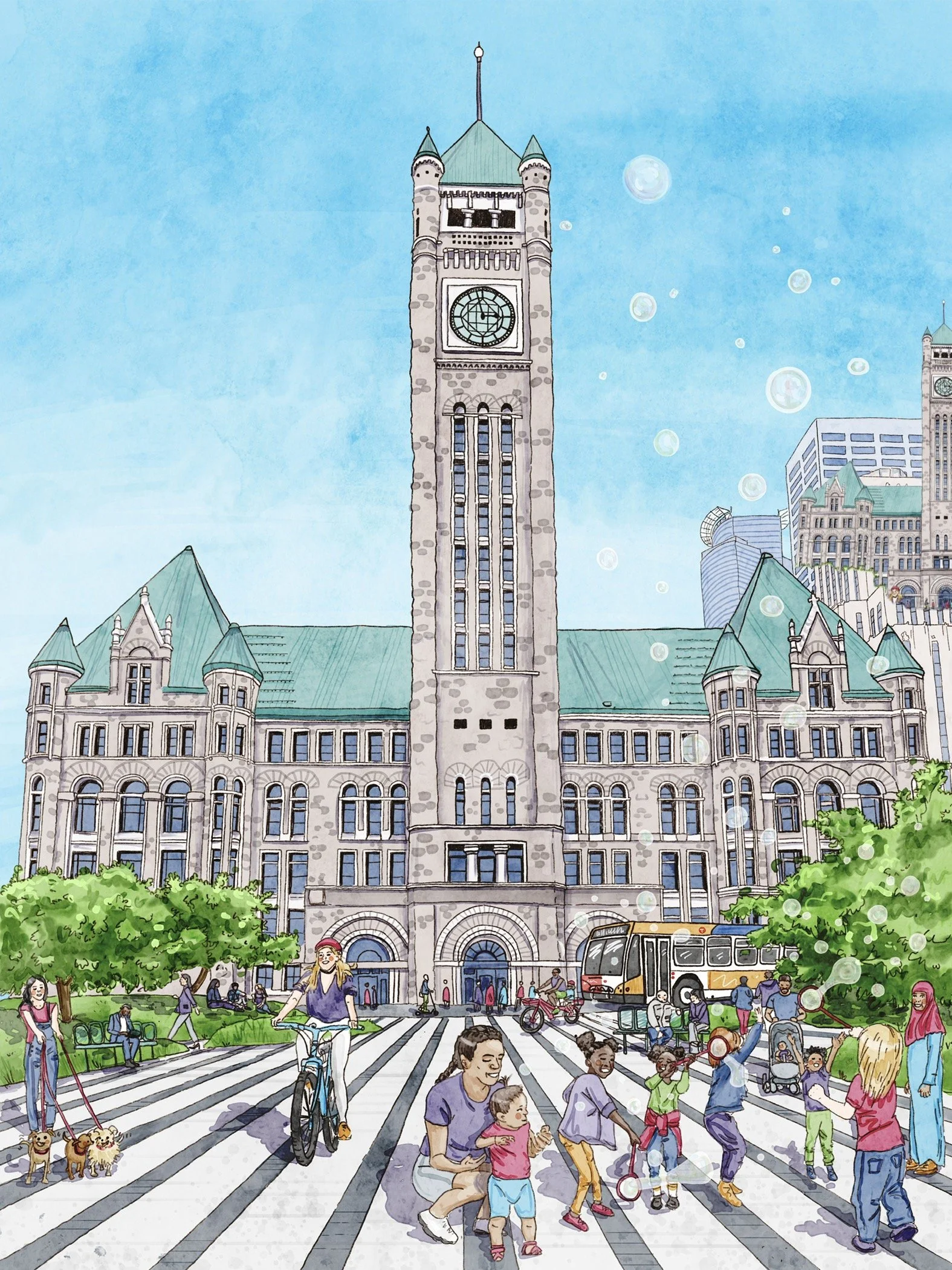
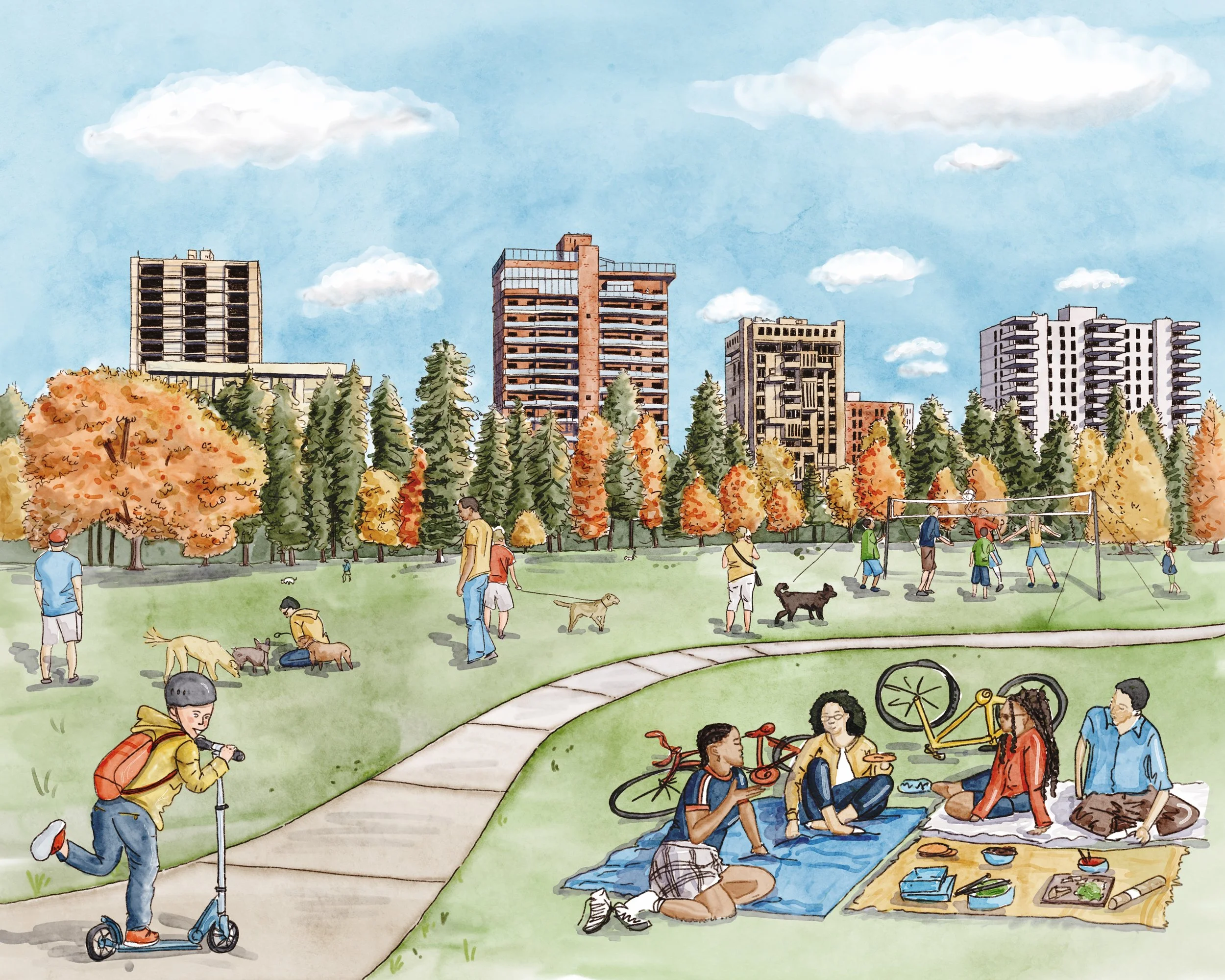
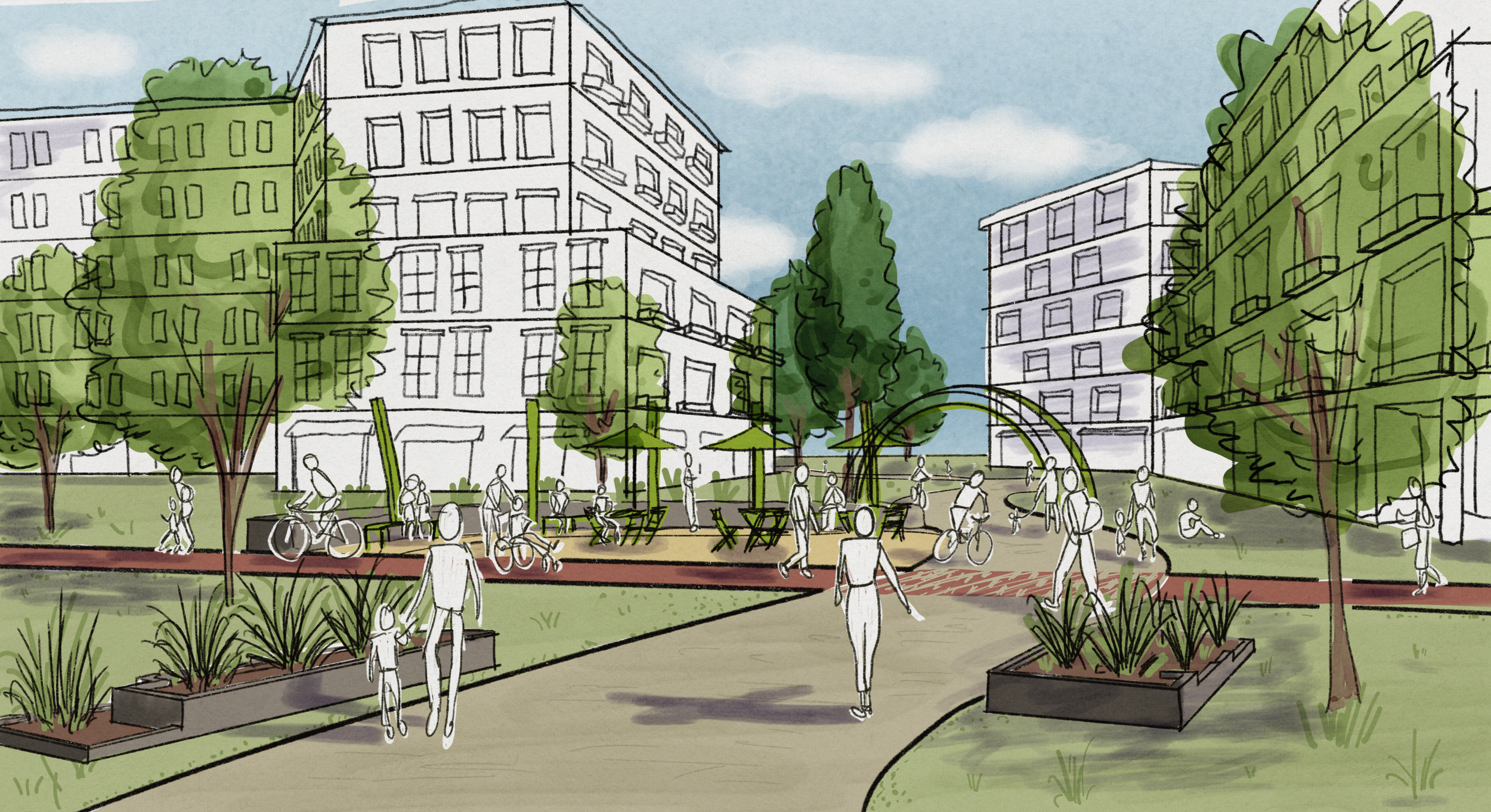
Eye-Level
Most intuitive view for viewers, best suited for showcasing a human perspective
-
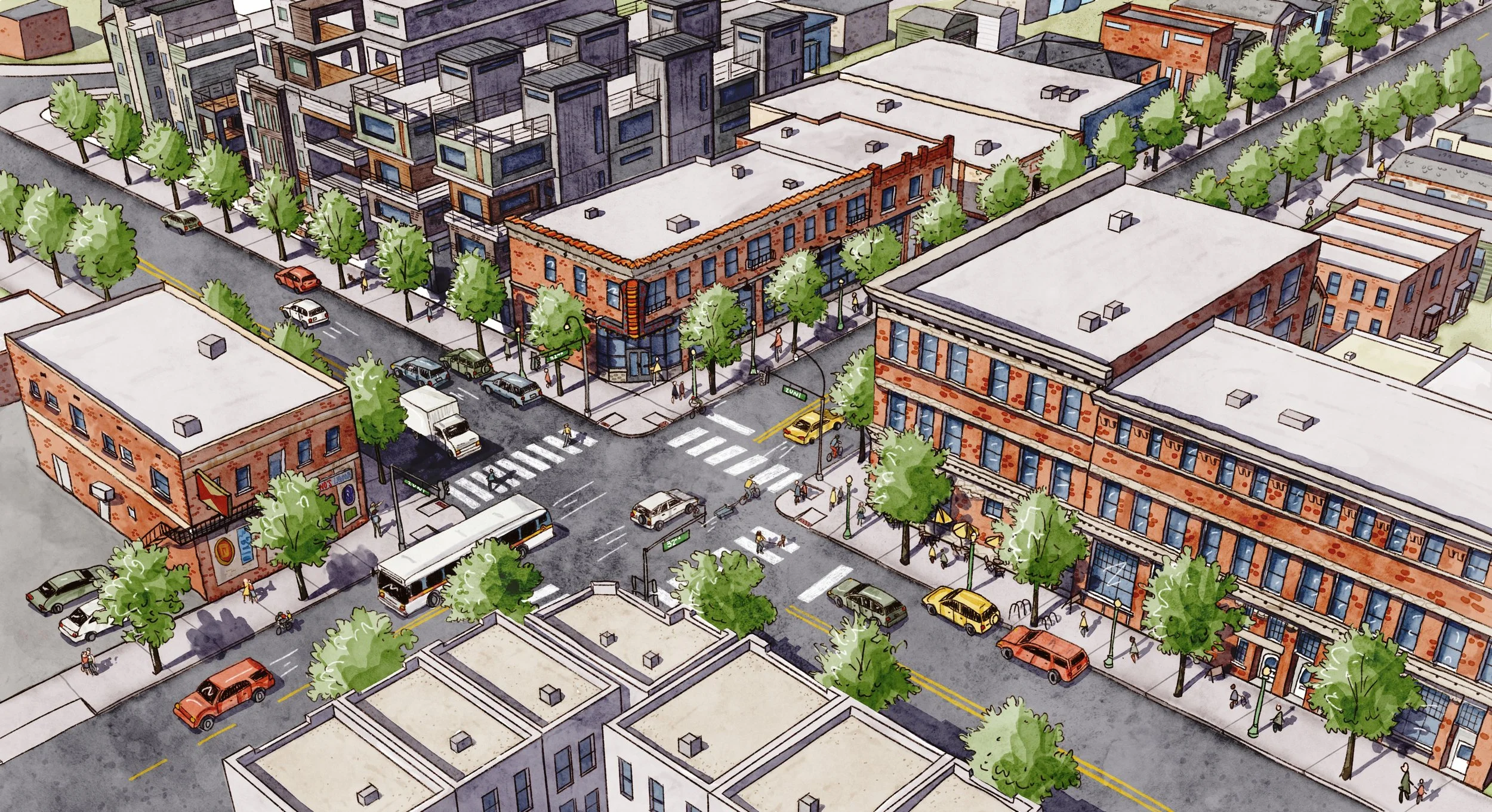
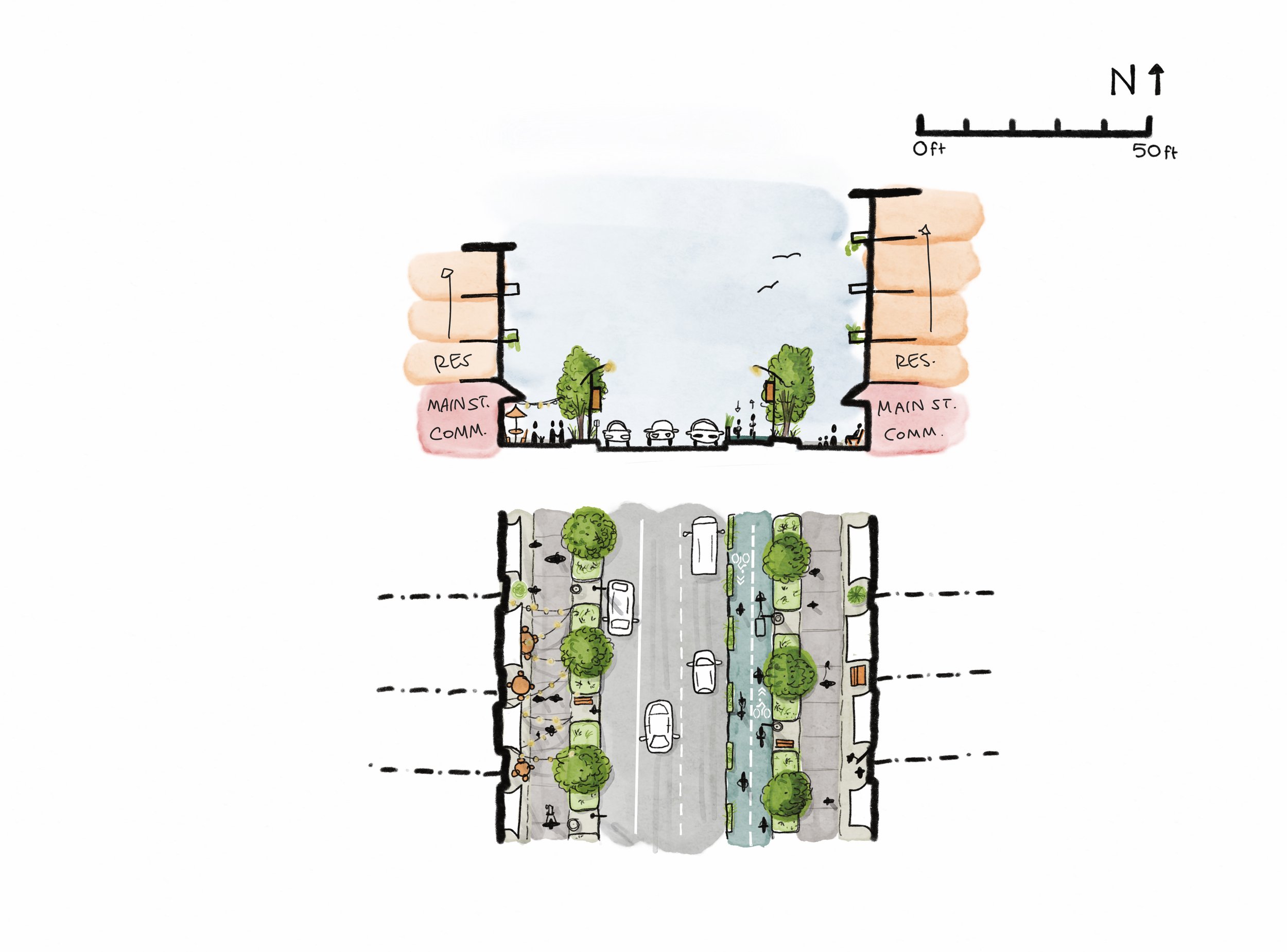
![A cross-section and top-down view of a mixed-use development with residential and flexible innovation spaces, featuring trees, seating, pathways, parking, landscaped areas, and string lights.]()
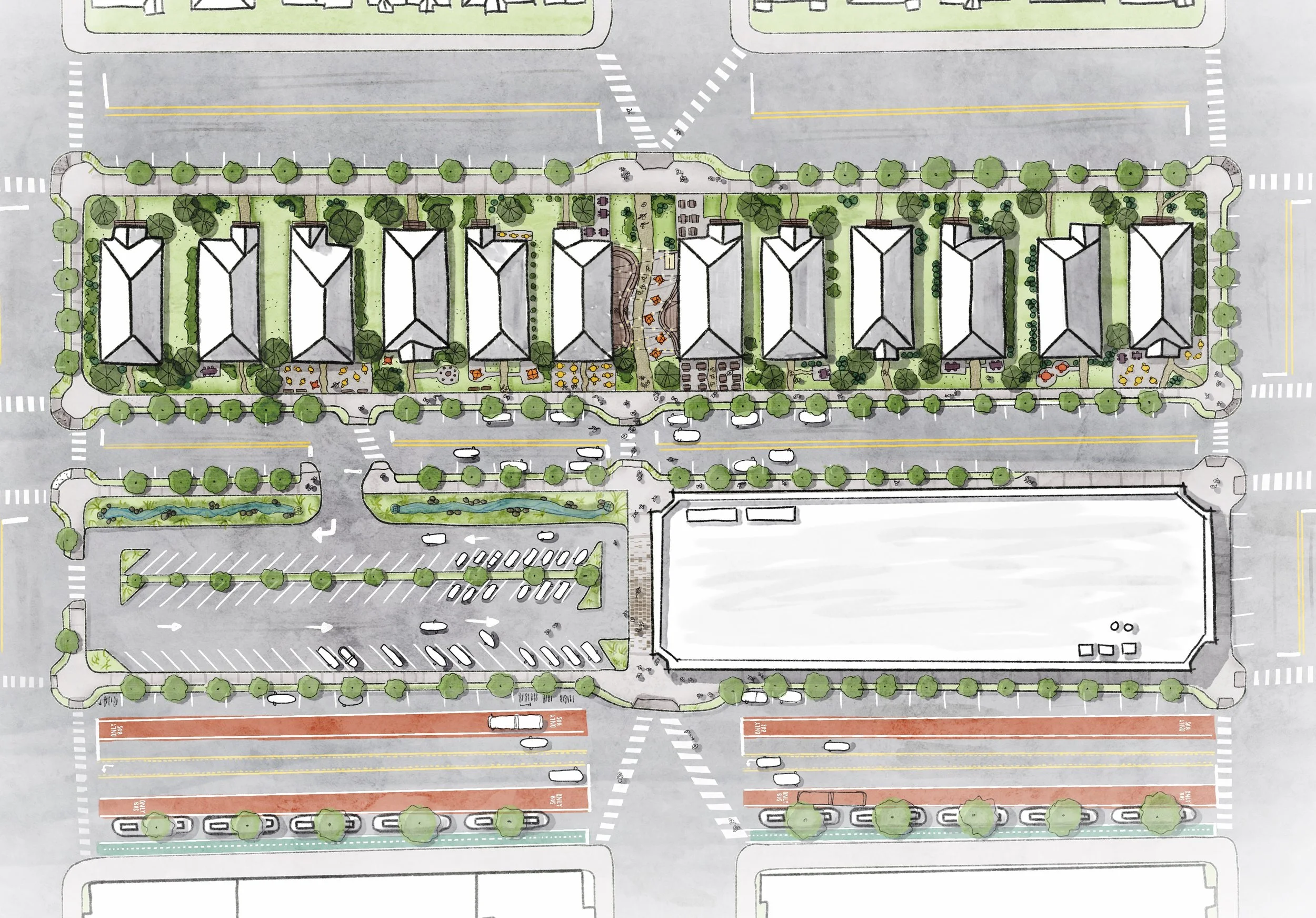
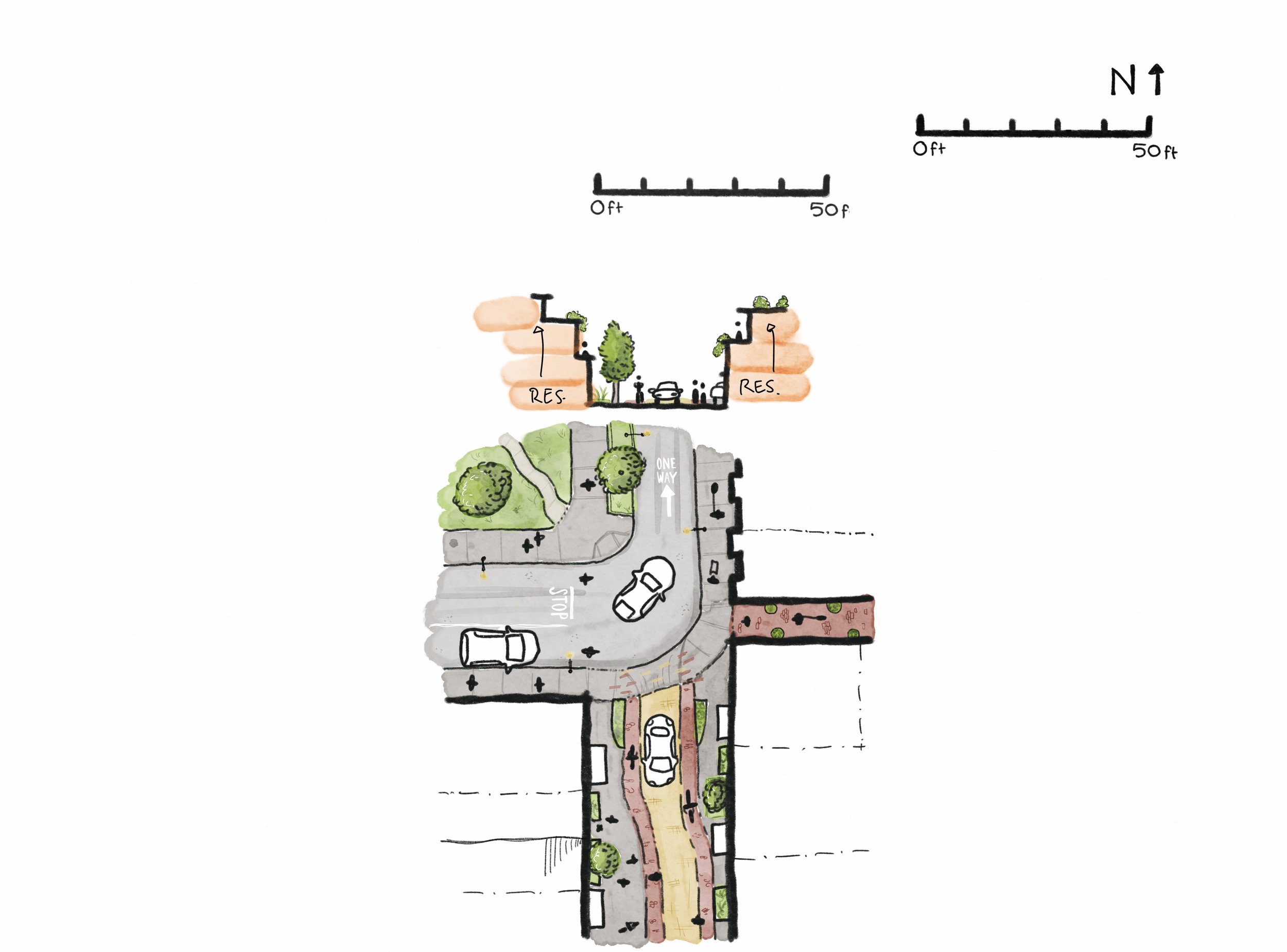
Section-Cut
Get into the details of dimensions and sense of enclosure combined with a small-scale aerial context